OpenVPN Scramble (XOR) for Android

There is no official mobile app called "OpenVPN Scramble".
However, "Scramble" (often called the XOR patch) is a well-known and important technology that is added to some unofficial VPN clients or to VPN providers' own apps built on OpenVPN.
Let's break down what it is and why you need it, just as simply as last time.
What is Scramble? (A disguise for your VPN)
If regular OpenVPN is your personal "armored tunnel", then the Scramble feature is an "invisibility cloak" worn over that tunnel.
The thing is, a regular VPN does a great job of hiding which websites you visit and what you do there. But your internet provider, mobile carrier or office administrator can still see the very fact that you have turned on a VPN.
Special smart systems (called DPI) can recognize OpenVPN traffic and say: "Aha, this person is using a VPN, let's cut off their internet!" That's exactly how VPNs are blocked in some countries with strict censorship (for example, China) or on strict corporate networks.
Scramble technology takes your encrypted data and disguises it. After that, to your provider your traffic looks like ordinary, boring website browsing or random "digital noise". Nobody will be able to tell that you're using a VPN.
Why would an ordinary user need this feature?
- Getting around strict blocks: If your regular VPN keeps dropping, won't connect or is blocked by your provider, Scramble will help you get around these restrictions.
- Hiding the fact that you use a VPN at all: Useful if you are on a network where using circumvention tools can get you in trouble (for example, a university or strict company network).
Bottom line: If you're just at home and need to reach a blocked website or stay protected in a café, regular OpenVPN will be more than enough. But if you're traveling to a country with strict internet censorship, or your provider deliberately throttles VPN connections, apps that support Scramble technology will come to the rescue.
How to set up OpenVPN Connect on Android
You can download the app here: https://
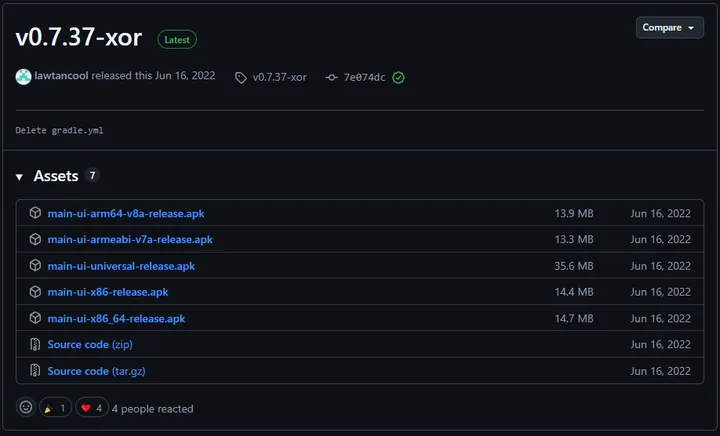
There are several versions depending on your device's processor architecture. If you're not sure which one you need, download the file main-ui-universal-release.
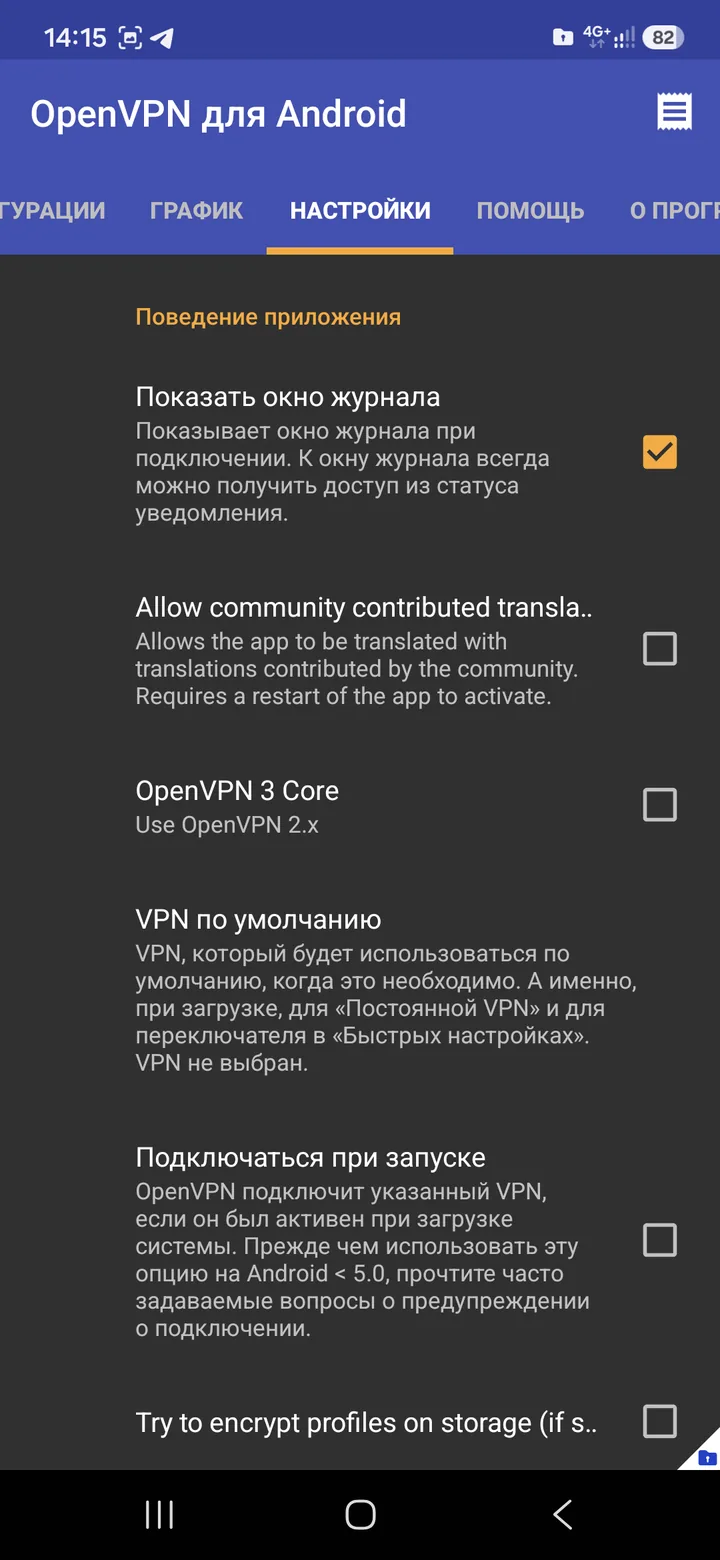
After installing, open the app and take a look at the interface. Right away, go to the settings and uncheck the "Try to encrypt profiles on storage …" option.
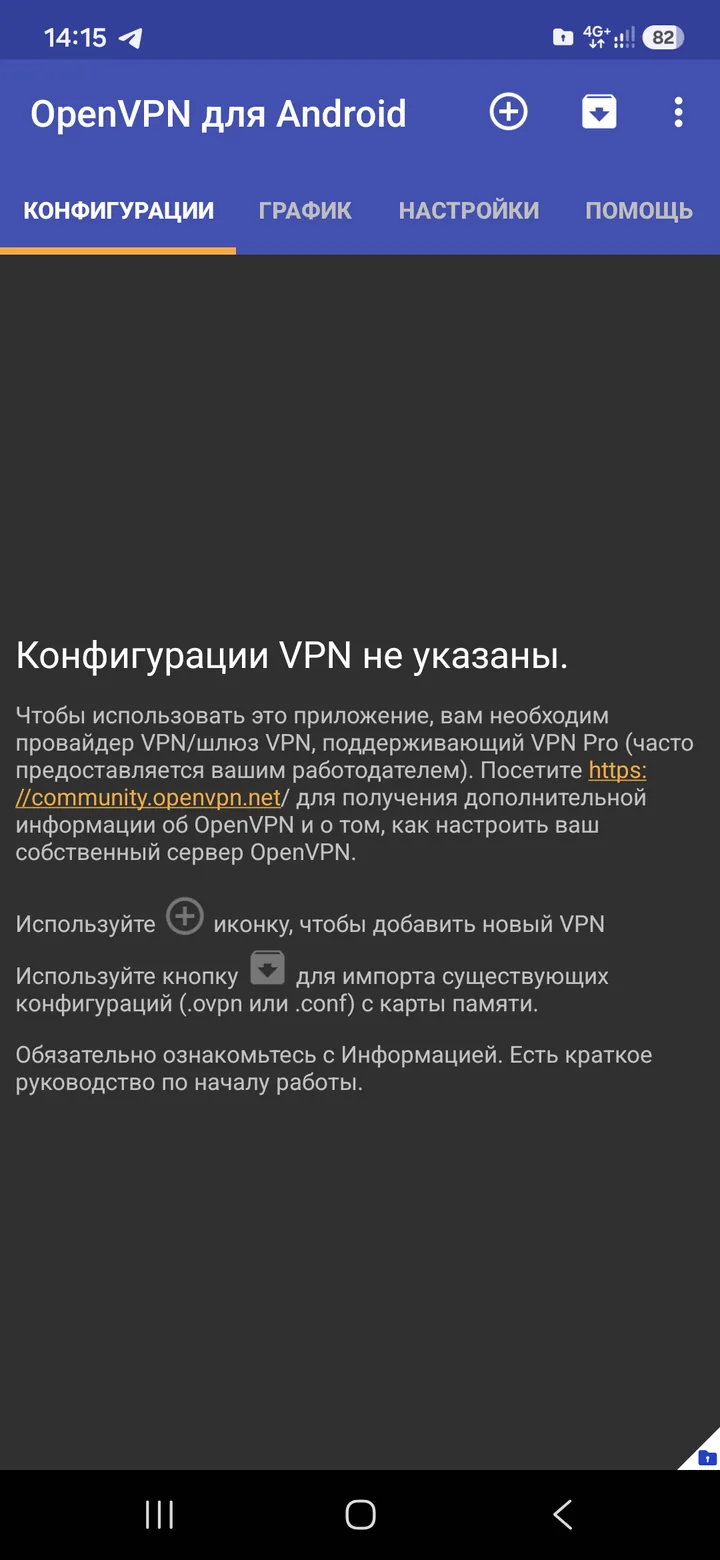
To add an active configuration to the client, tap the "+" button.
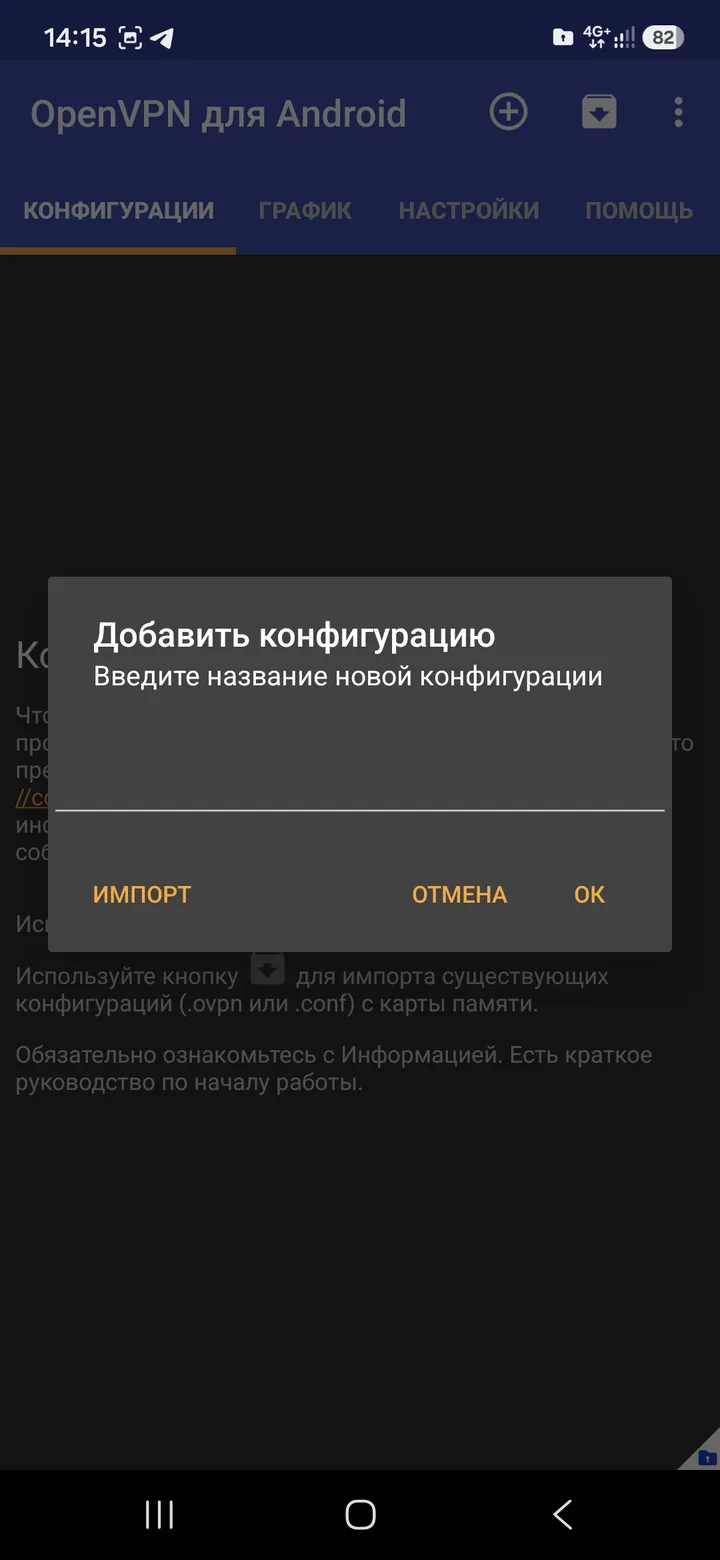
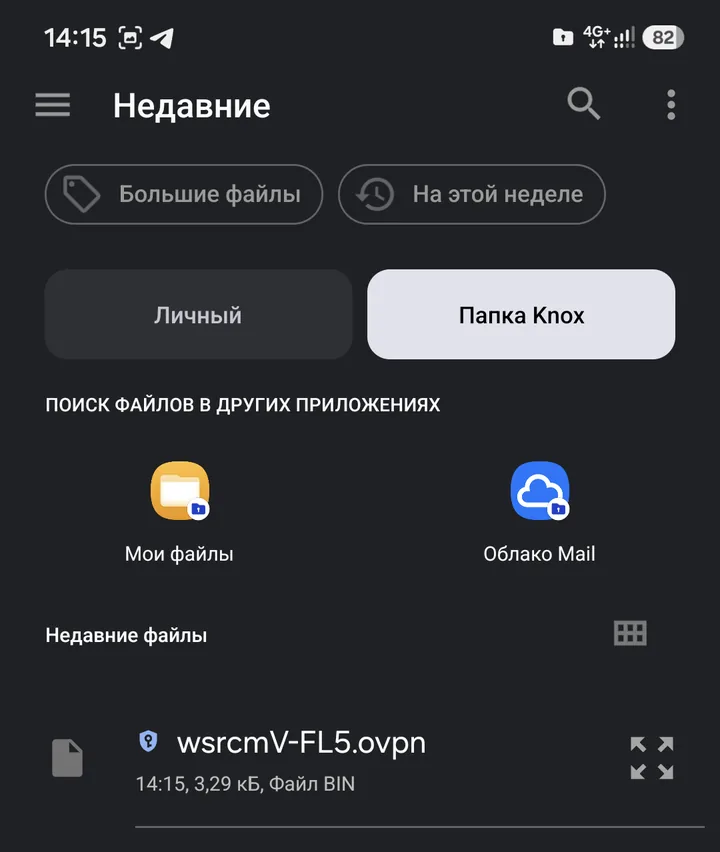
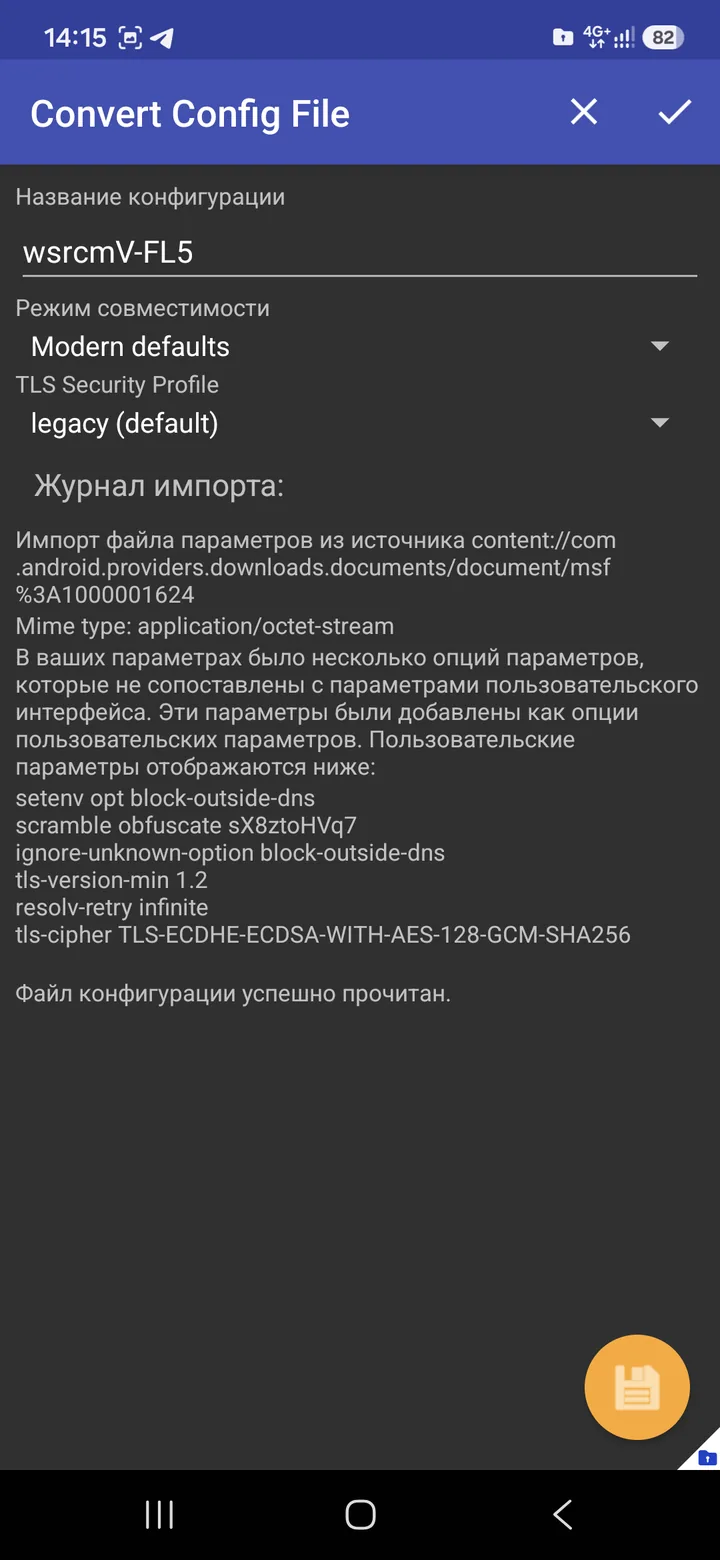
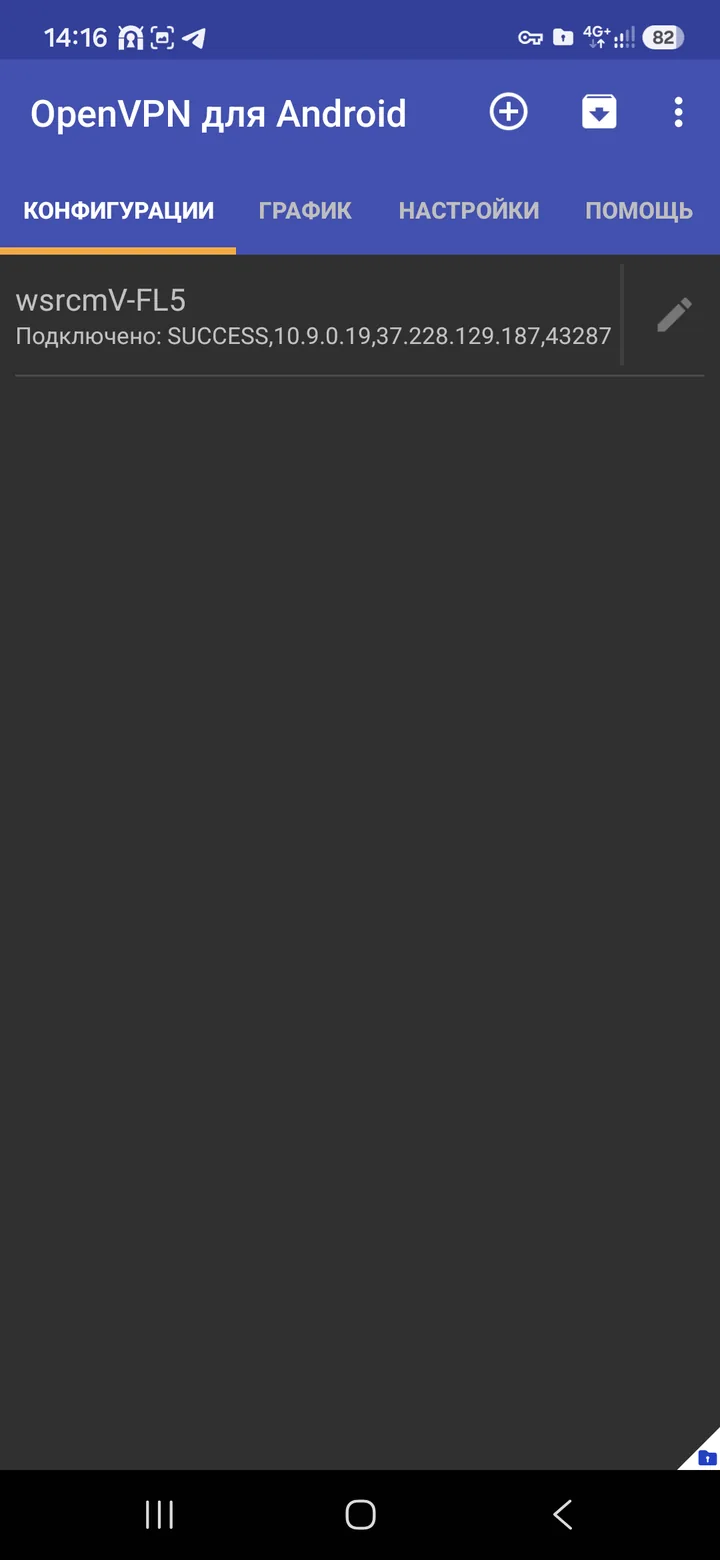
As an example, I'll use the Finland, Helsinki location. Select the *.ovpn file (wsrcmV-FL5). Tap the checkmark and accept the system prompt.
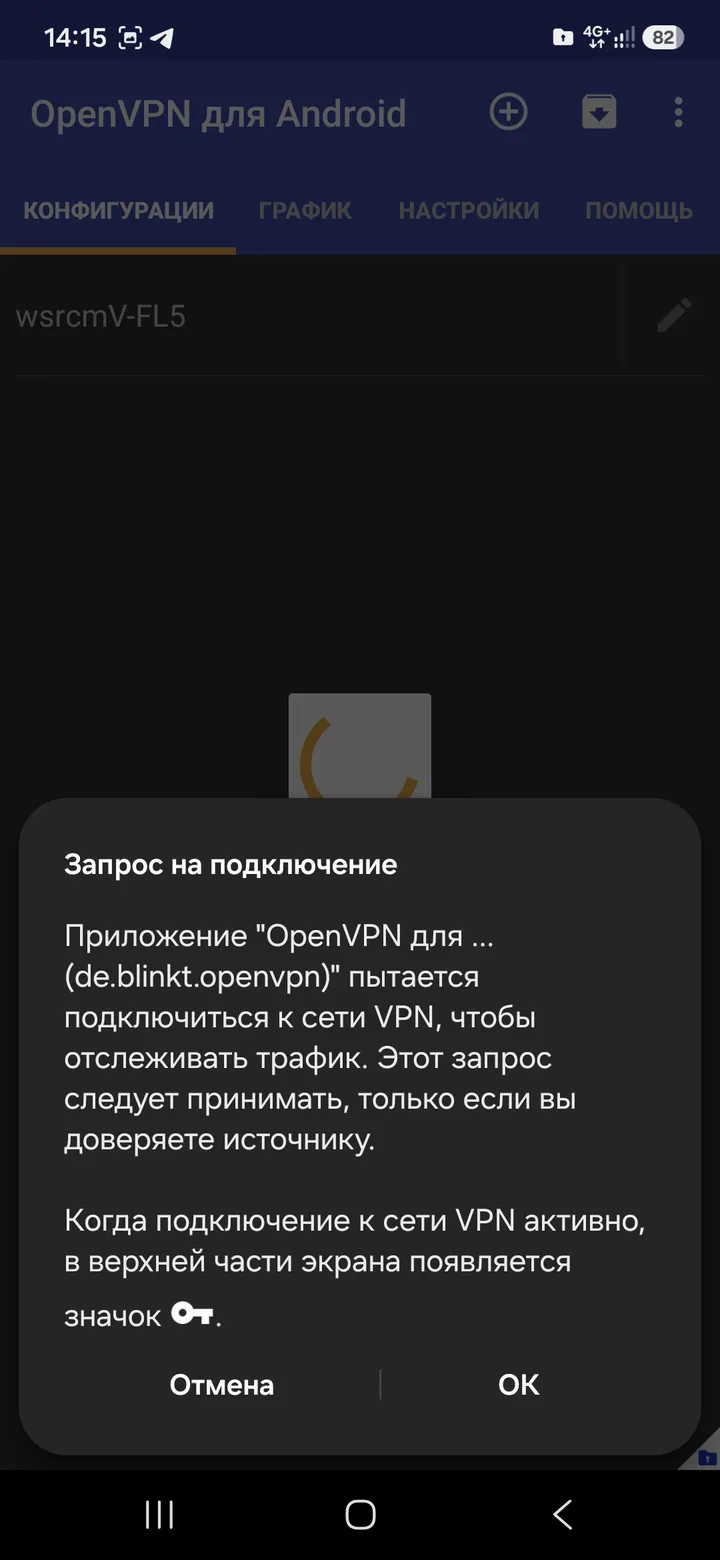
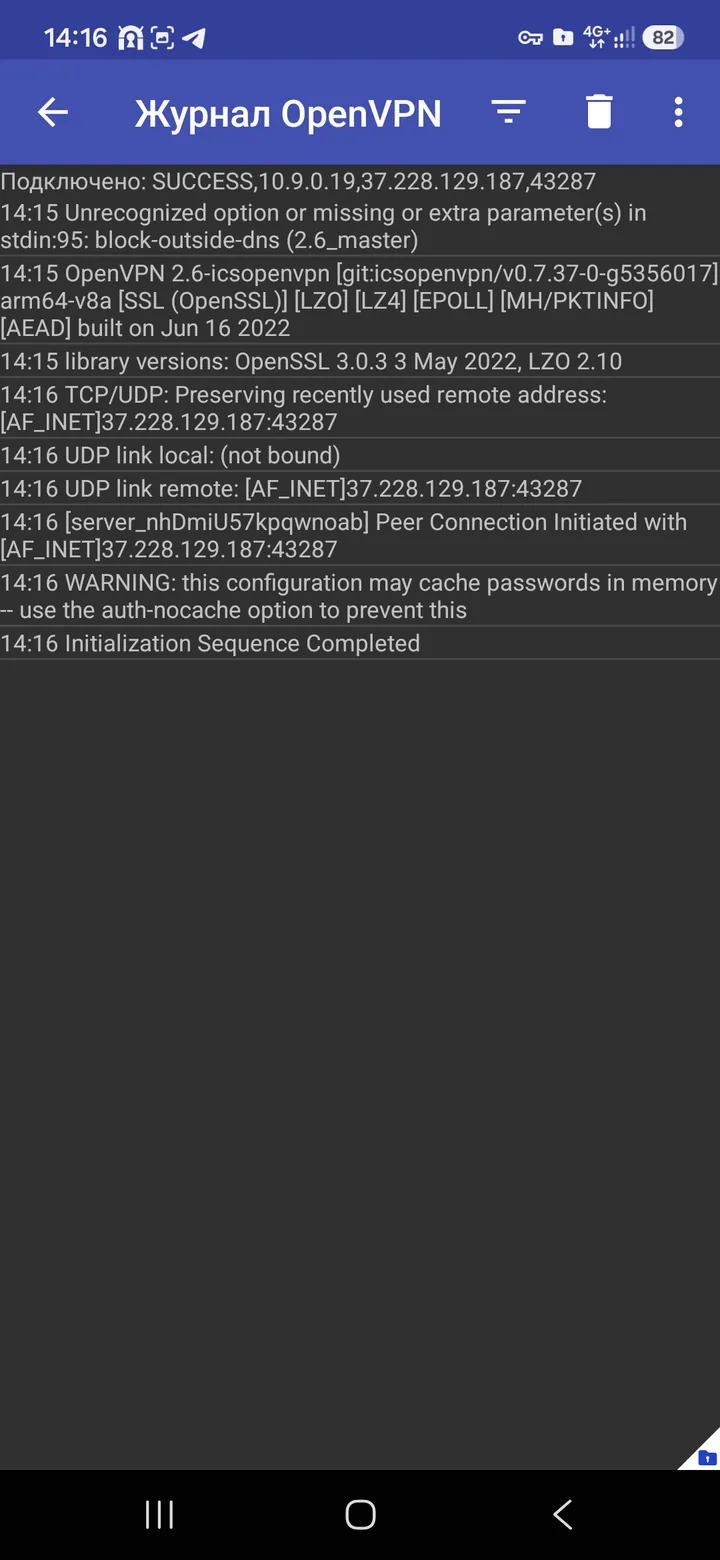
You'll see the log and the connected OpenVPN Scramble profile.
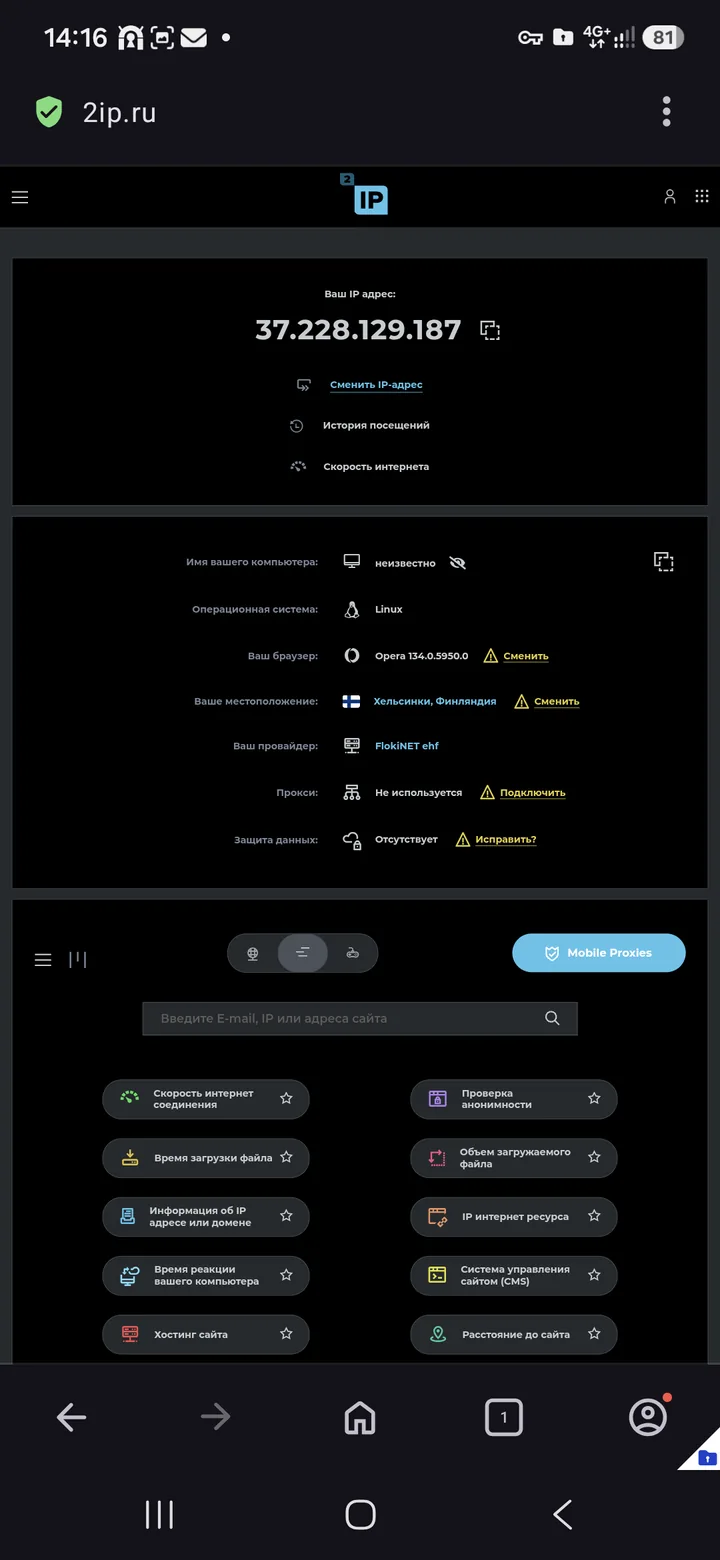
To check, I'll open 2ip.ru and look at the IP address.
To manage the connection, tap the profile -> disconnect. Enjoy!