v2rayNG for Android
v2rayNG is a popular free, open-source Android app that works as a client for the V2Ray/Xray protocols. It's used to get around internet censorship, disguise network traffic and keep your online activity private.
How it works:
— Traffic disguise: unlike standard VPNs, v2rayNG sends your traffic through proxy servers using advanced protocols (VMess, VLESS, Shadowsocks, Trojan). This makes the traffic look like ordinary HTTPS requests, which helps it get through strict network firewalls (DPI).
— Flexible settings: the app supports routing. You can choose how it works: send all internet traffic through the proxy, or only specific services and apps (split tunneling mode).
Main advantages:
— Connection via configurations: to get started, you import settings (as a key link, QR code or file), usually provided by your VPN provider or by whoever rents you a personal server.
— Reliability: the app handles deep packet inspection (DPI) well, which makes it one of the most effective tools in regions with heavy internet blocking.
— Open source: full transparency keeps user data safe, since independent developers can review the app's code.
How to connect with v2rayNG on Android
You can download v2rayNG here: https://
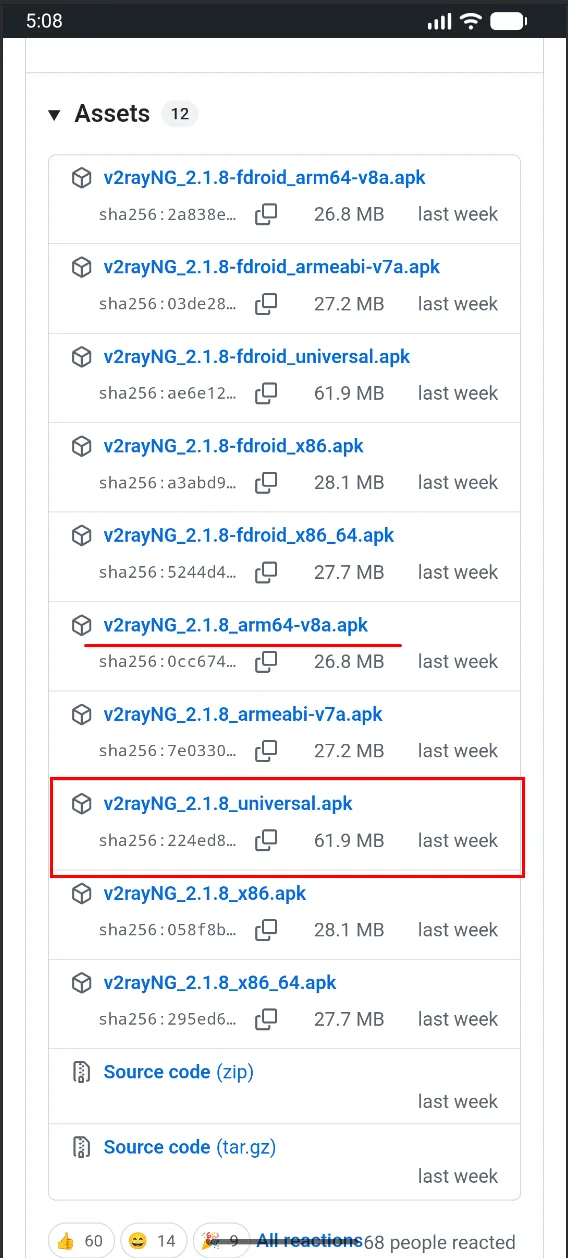
The Universal version works with all types of mobile processors, but most often you'll need arm64-v8a. After you download and install the app, its icon will appear.
After you pay for the selected location, you receive a subscription URL that looks like this:
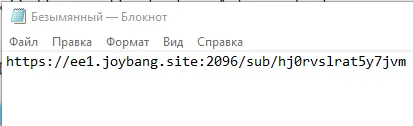
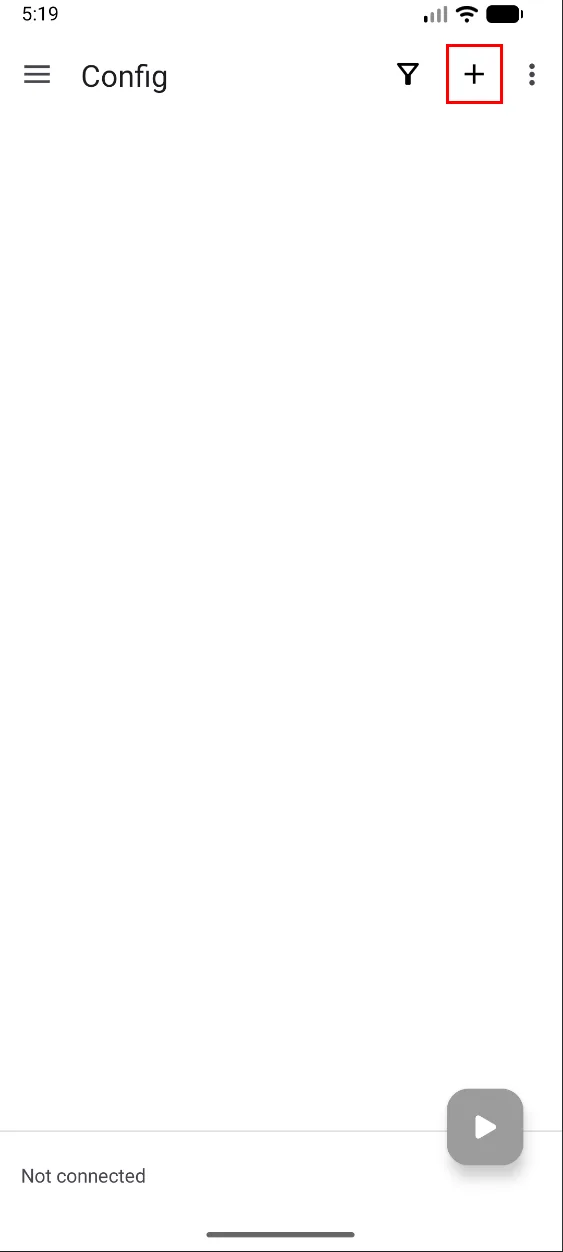
Copy it to the clipboard and tap “+”.
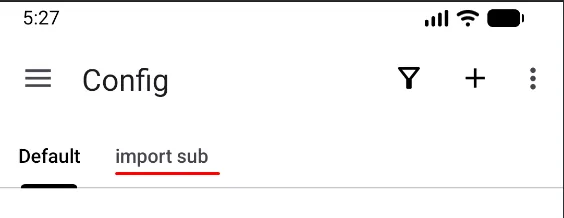
import sub will appear.
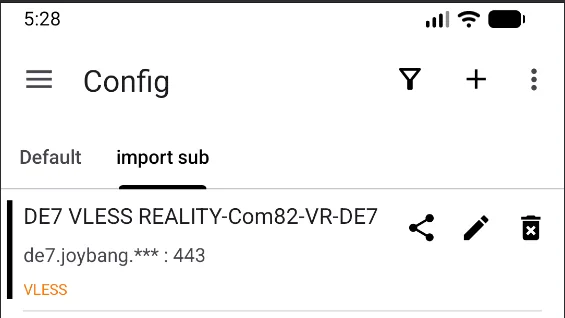
The server is shown in the subscription.
Let's check the per-app routing.
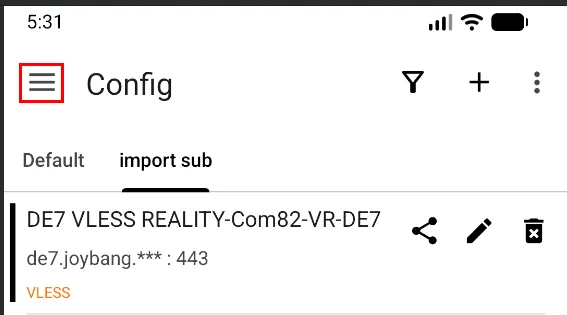
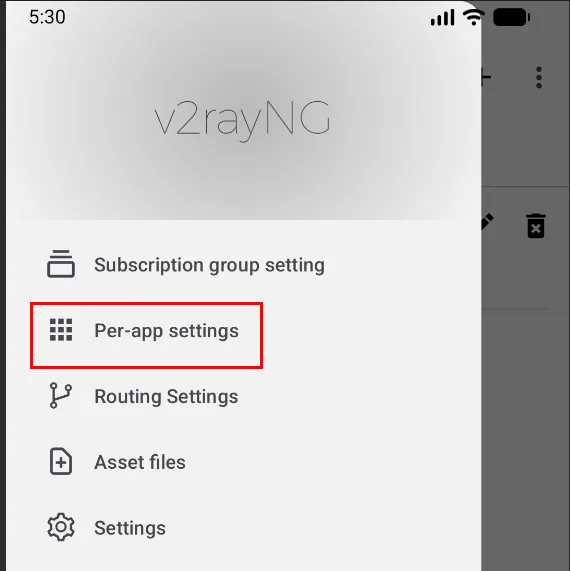
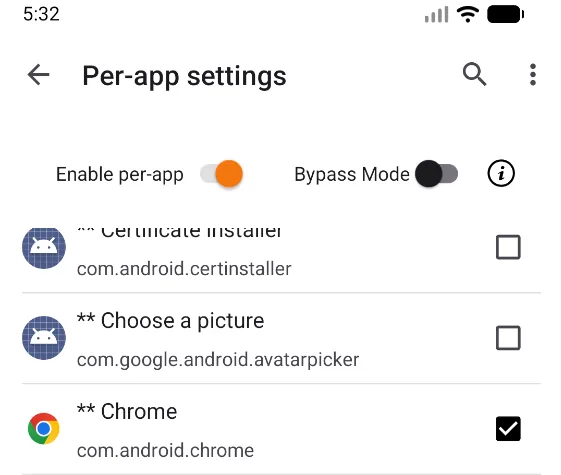
You can choose which apps send their traffic through the VPN. As an example, I'll select the Chrome browser.
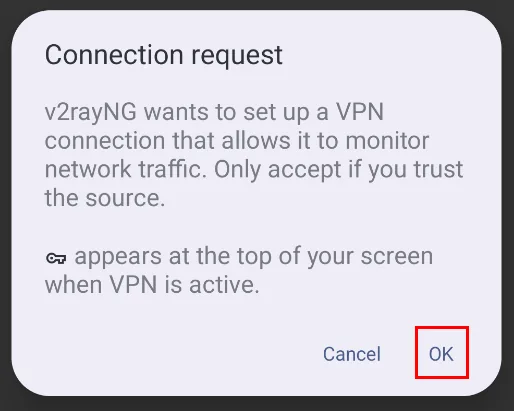
Go back, tap the triangle (bottom right) and allow the app to set up the VPN connection.
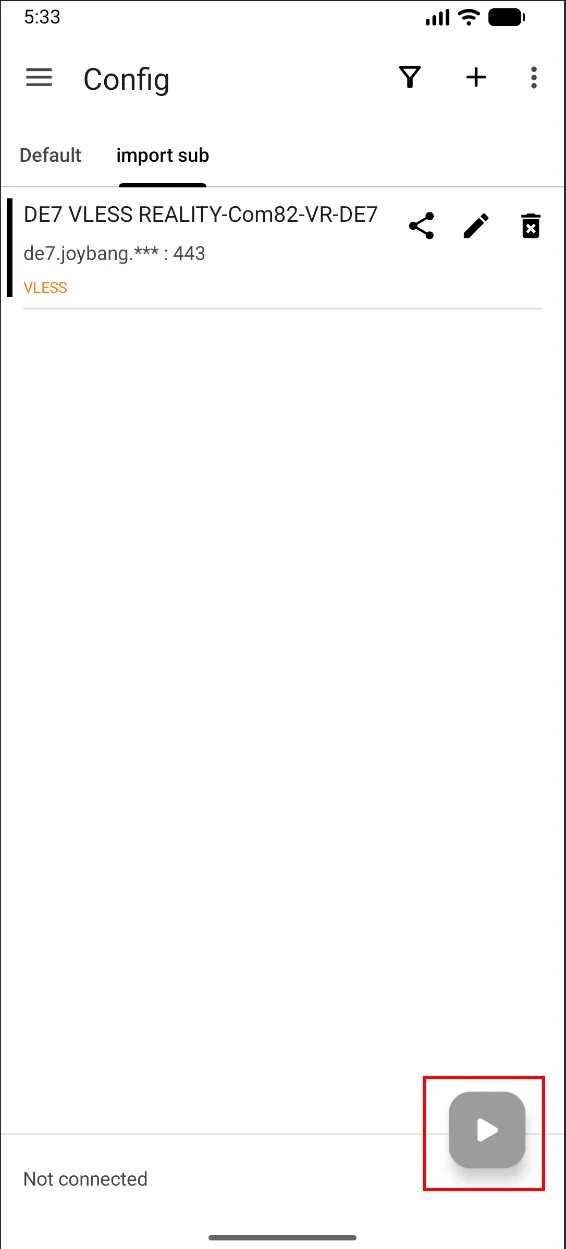
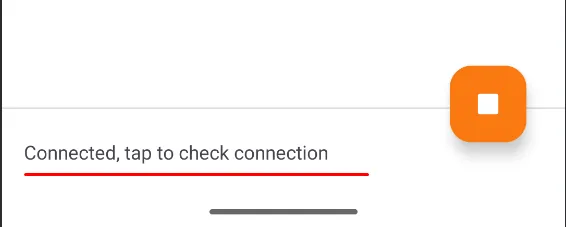
Tap here to test the connection.
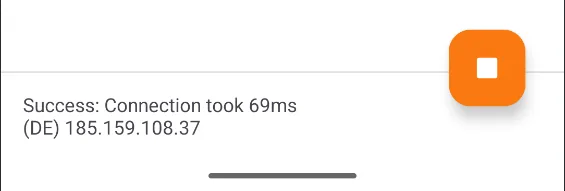
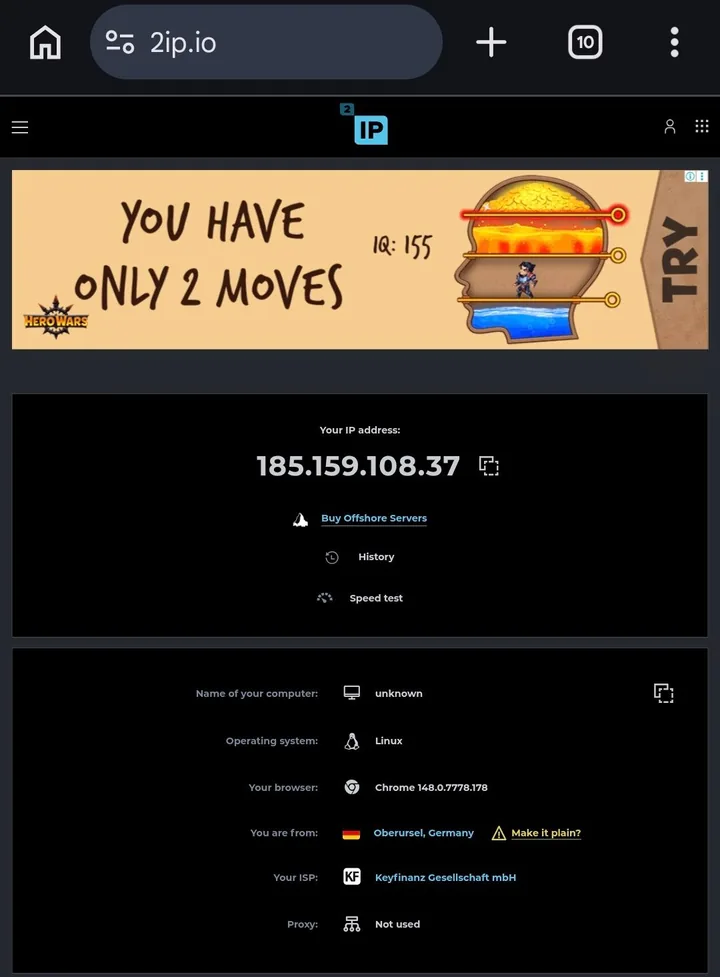
Open Chrome and go to 2ip.io.